Create with less repetition
Start the document you need, reuse saved business details, and keep moving without rebuilding every field.
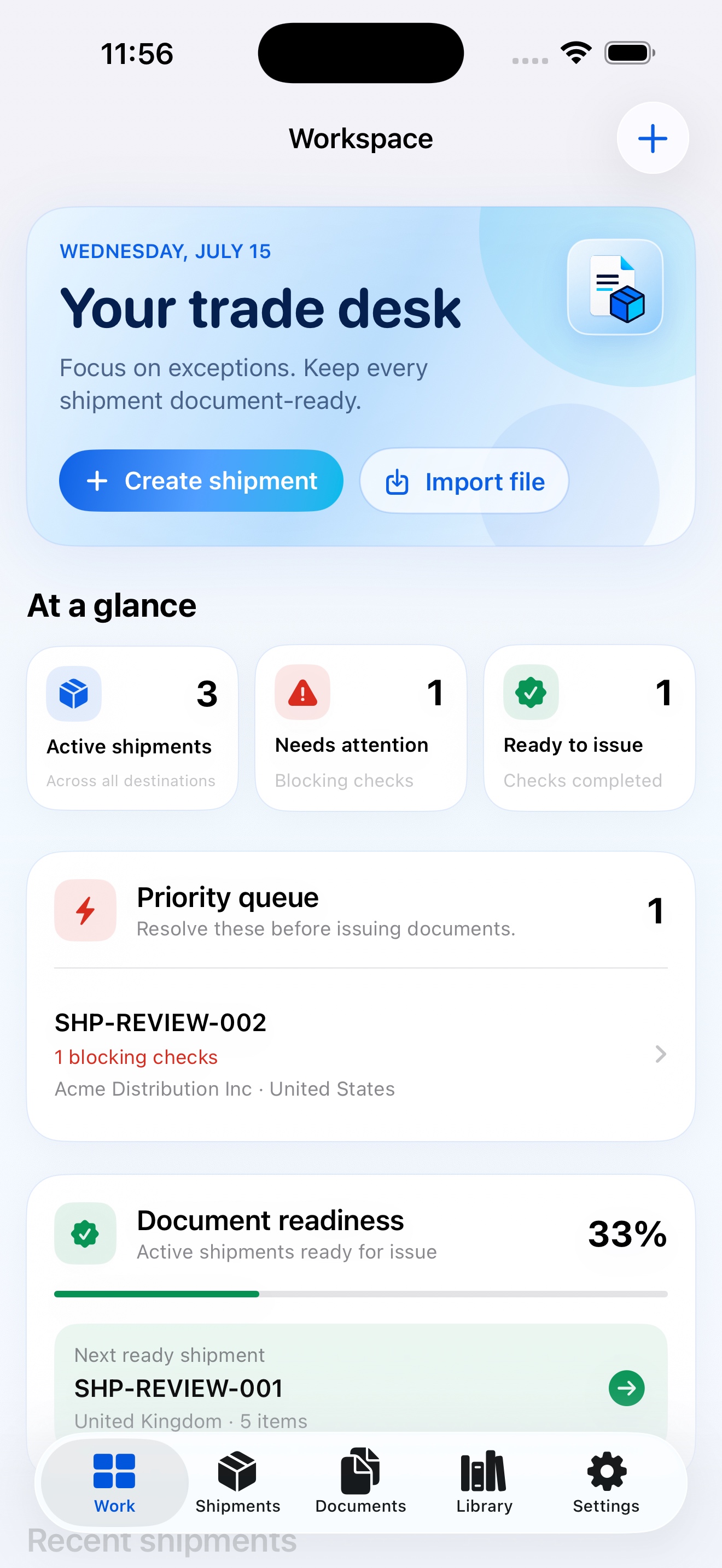
Build professional invoices, packing lists, and container documents from reusable business information—without complicated spreadsheets or repetitive formatting.
Less document friction
Excel and Word can do the job. But repeated data entry, manual totals, and inconsistent formatting make every revision take longer than it should.
A calmer way to work
CargoQuill brings the repeatable parts of trade document creation into one focused workflow.
Start the document you need, reuse saved business details, and keep moving without rebuilding every field.
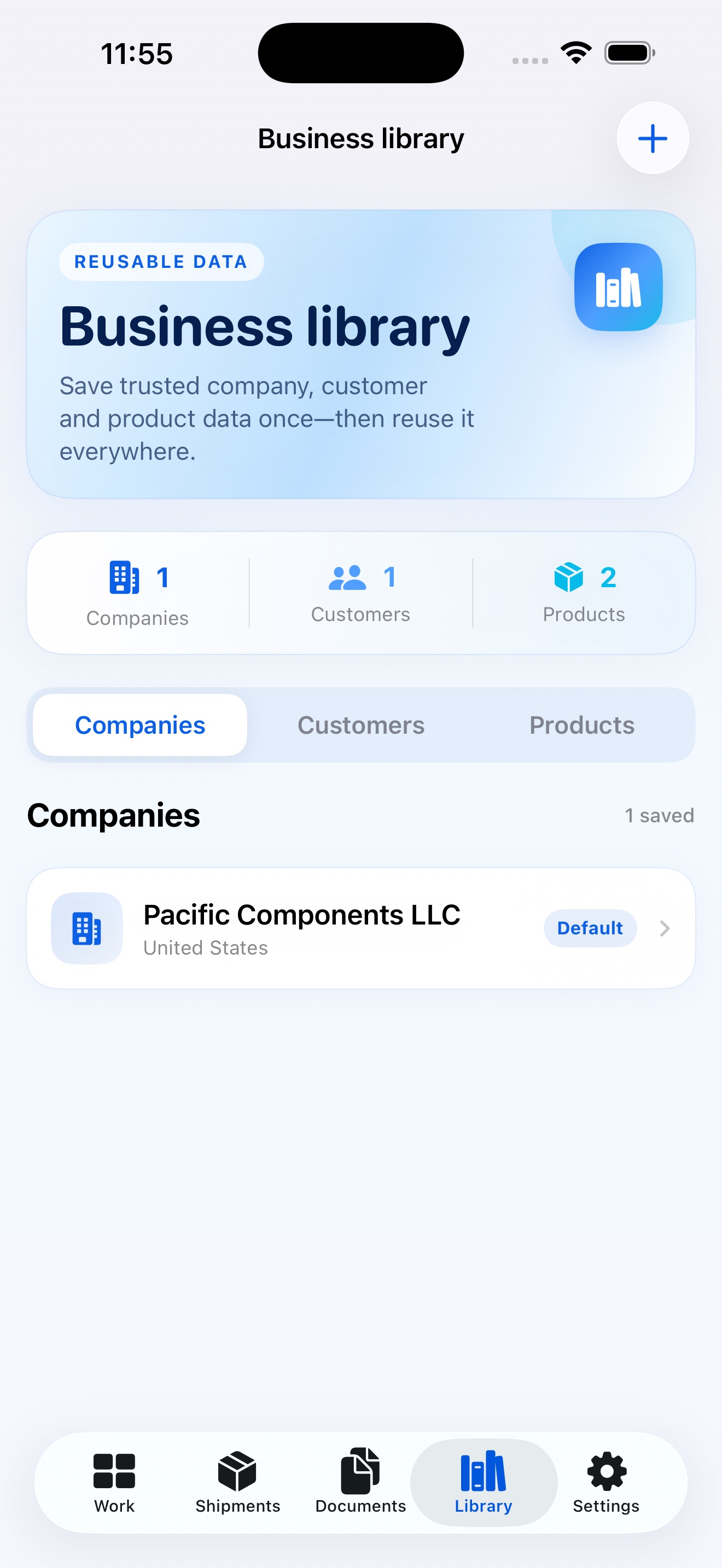
Keep company, customer, product, and shipment information organized for faster use across documents.
Calculate line amounts and document totals automatically while retaining full control over the information you enter.
Generate polished files that are ready to review, save, and send through your normal trade workflow.
Find previous documents, update information, and regenerate PDFs when pricing or shipment details change.
Use familiar document structures designed around invoices, packing details, and container records.
Straightforward by design
Enter only what is available today. Return to update the record as the transaction progresses.
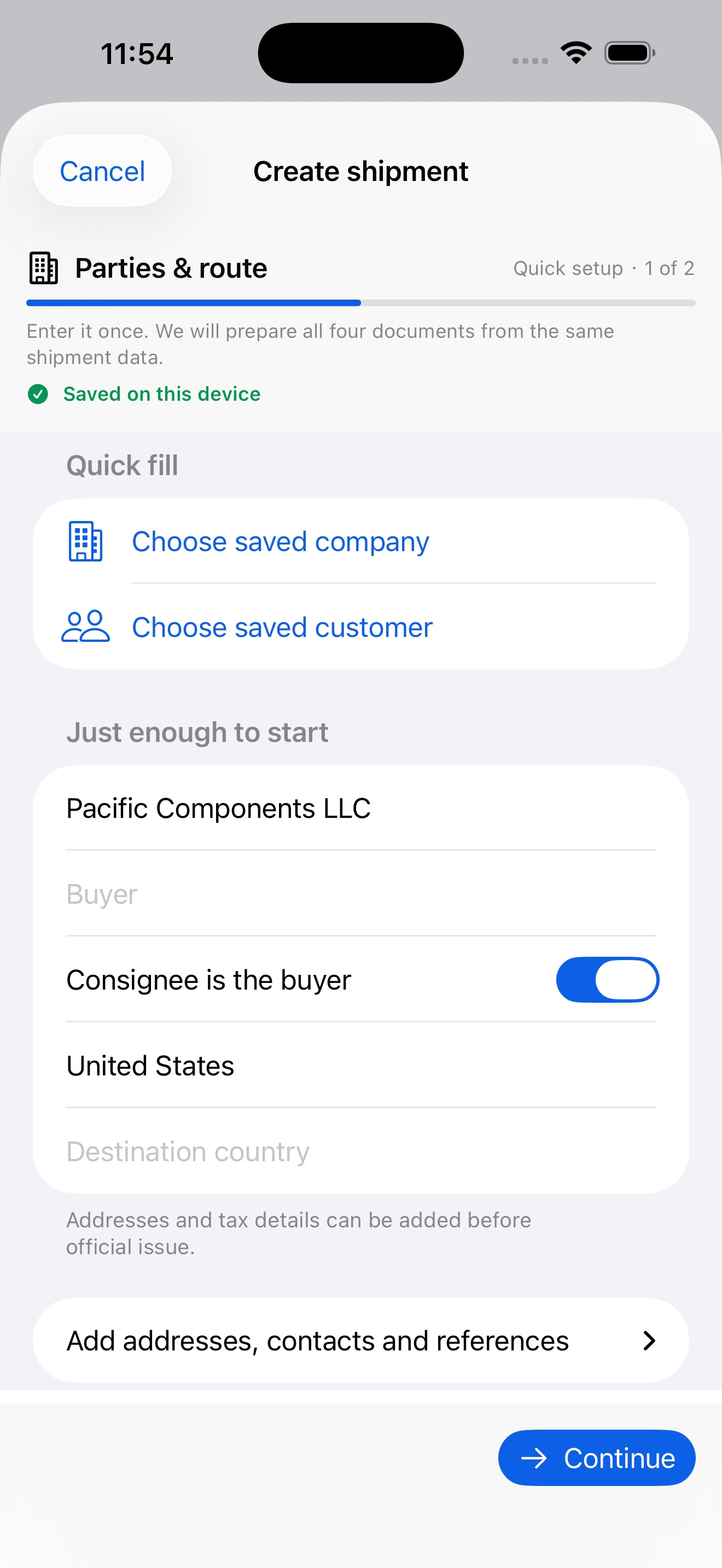
Select the invoice, packing list, or container document required for the shipment.
Fill in company, customer, product, and shipping information—or reuse saved records.
Check the contents, quantities, terms, weights, and calculated amounts.
Export a professional document ready for your customer and trade workflow.
Essential trade documents
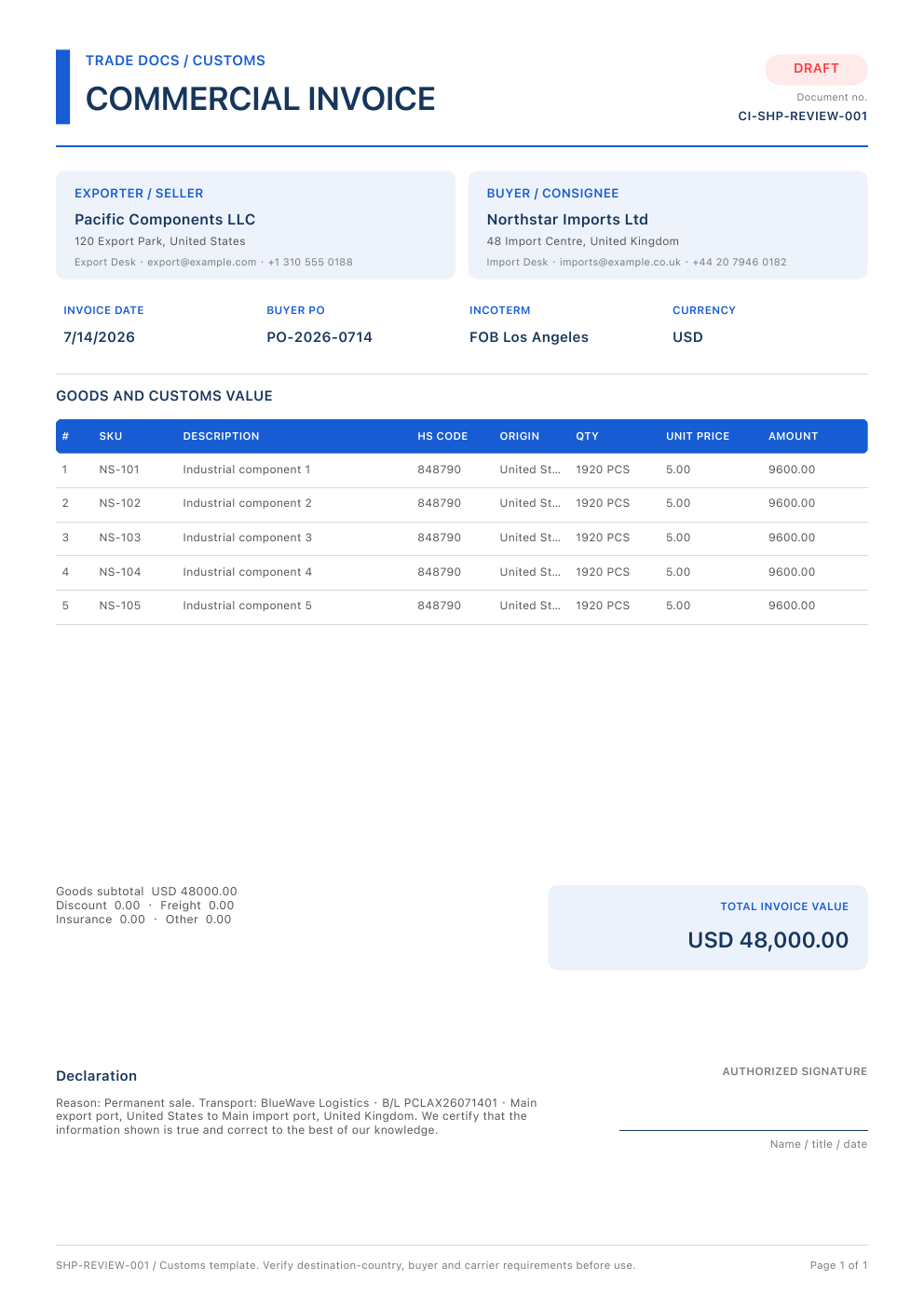
A formal invoice that records the goods sold, pricing, parties, and key transaction details for an international shipment.
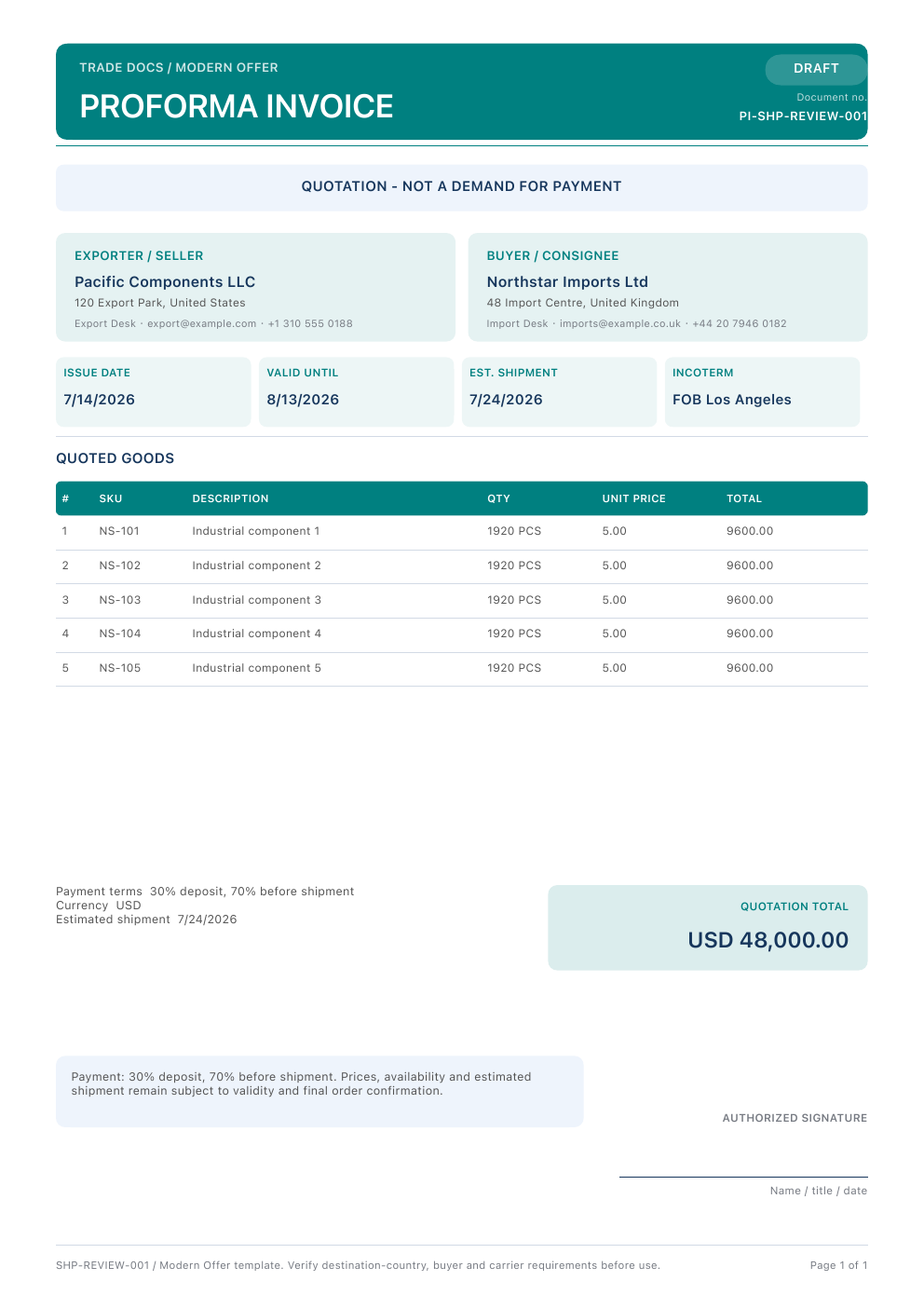
A preliminary sales document used to present expected prices, terms, and shipment information before a final transaction.
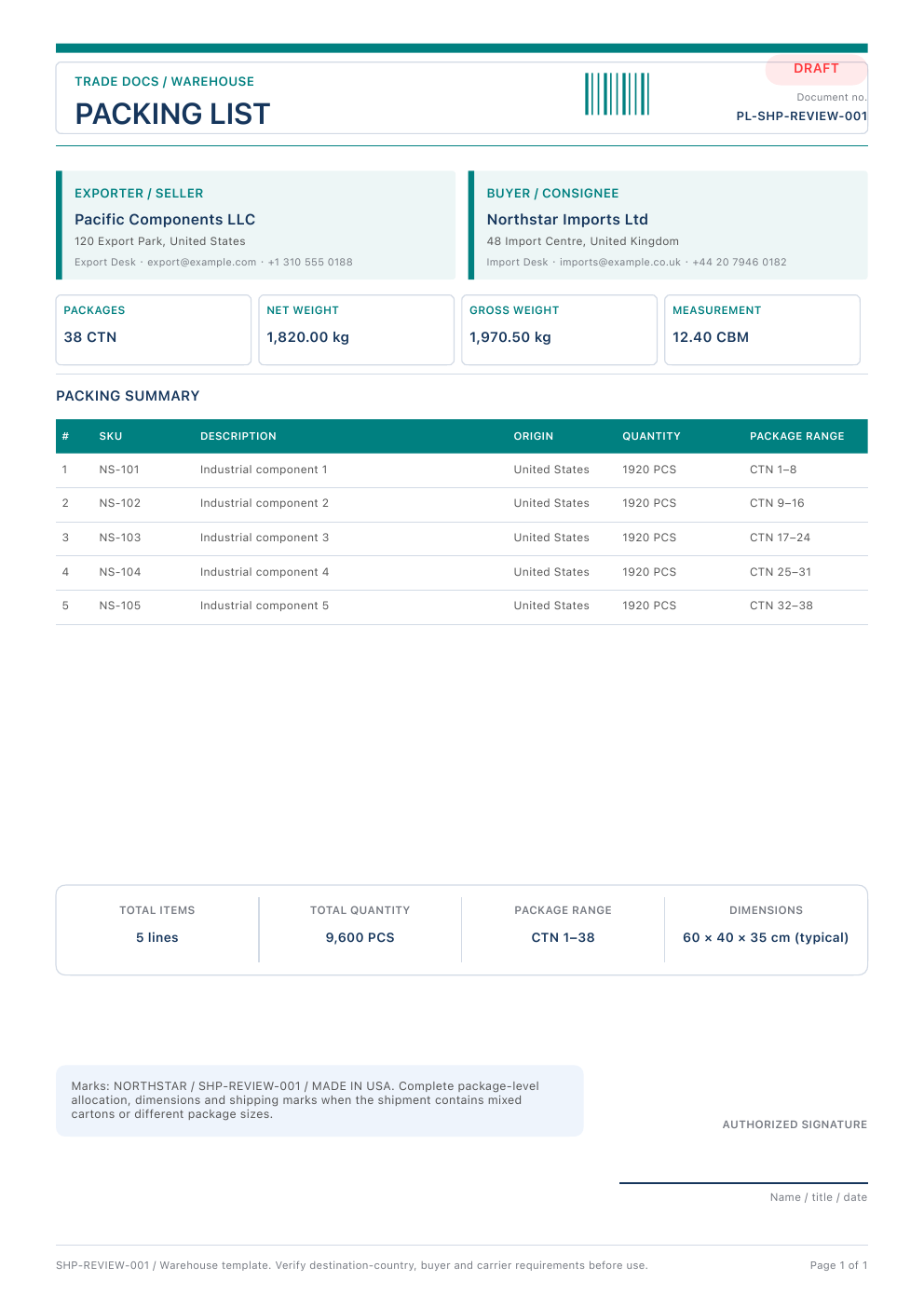
A detailed summary of the packages, quantities, weights, and dimensions included in a shipment.
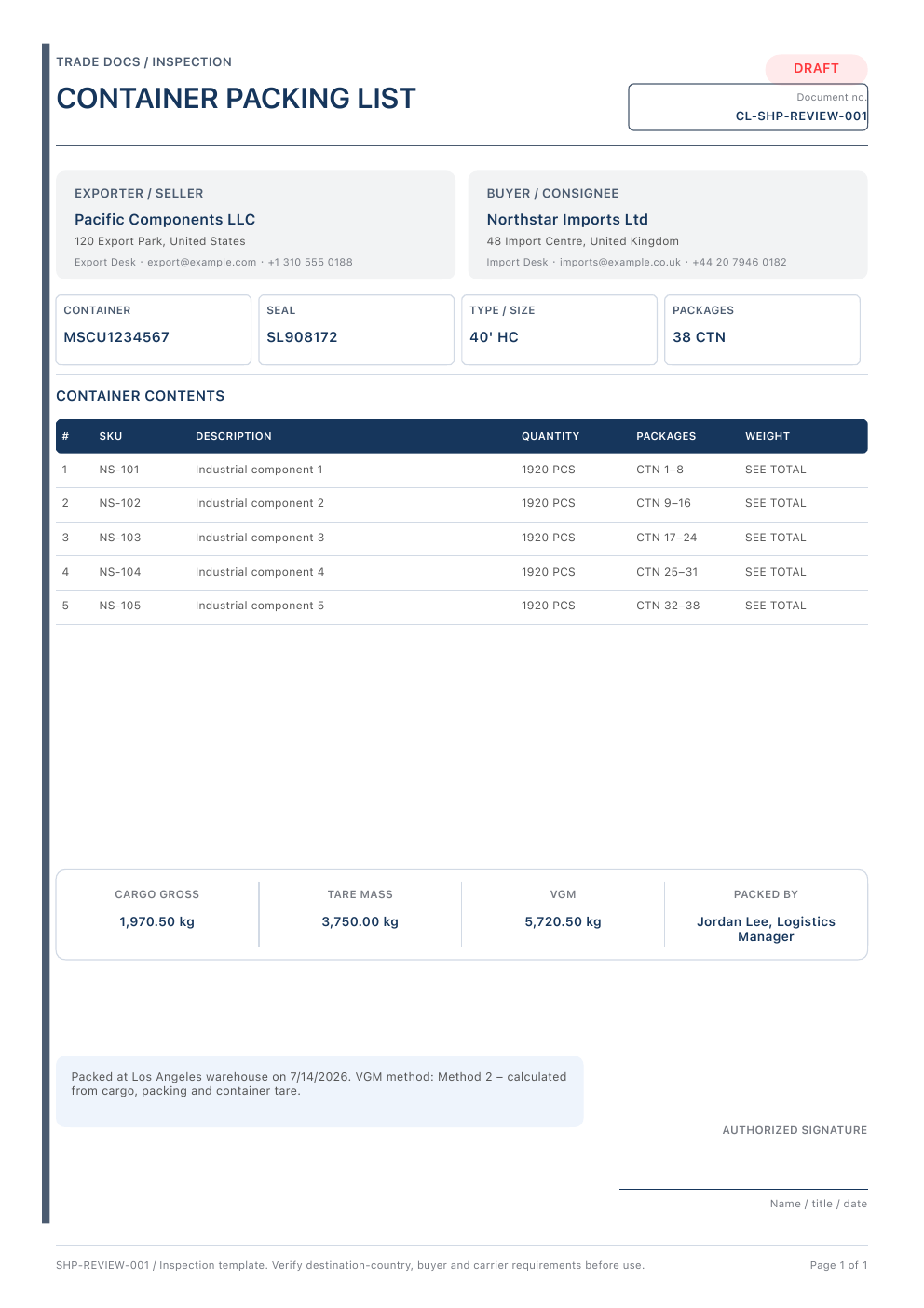
An organized container-level record that helps clarify how goods and packages are allocated for transport.
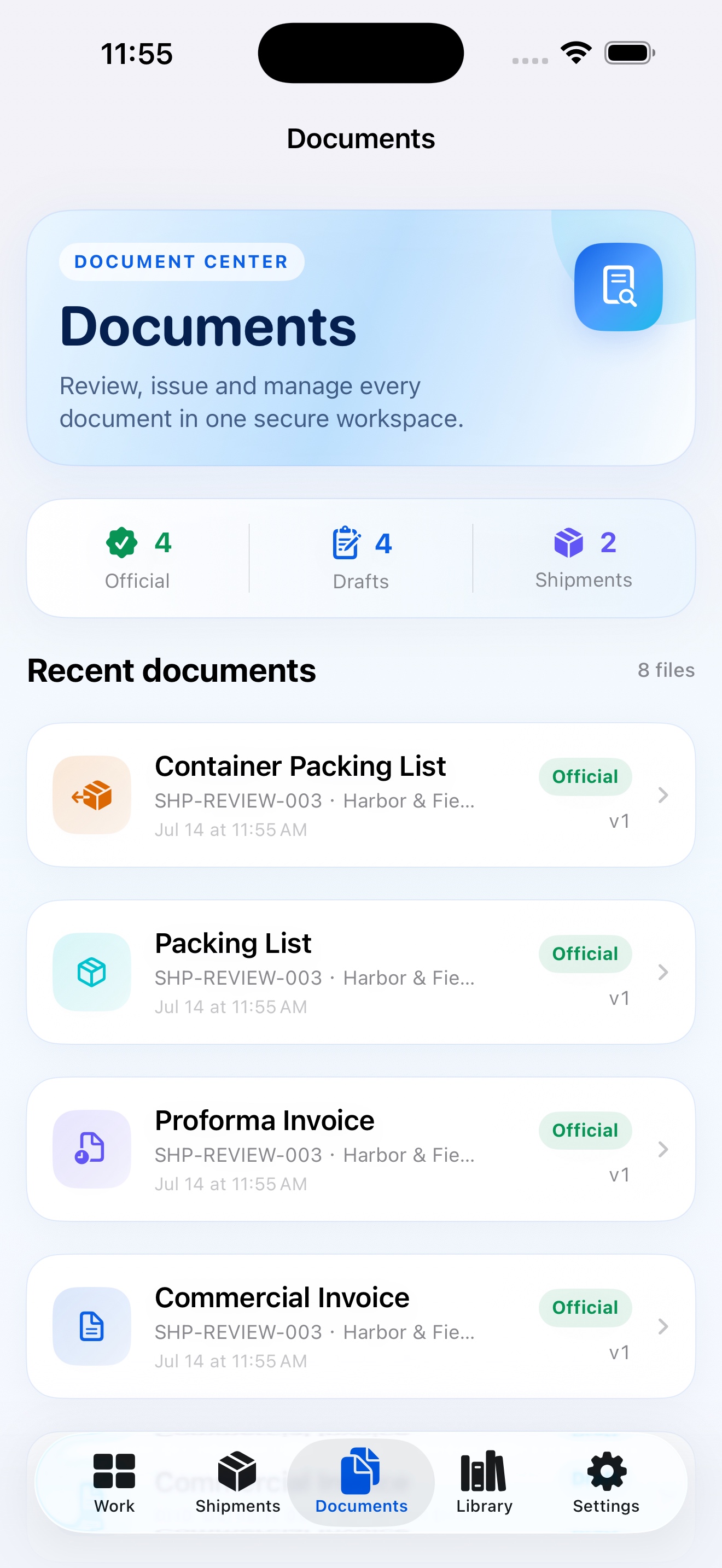
Designed for confidence
CargoQuill for iPhone and iPad
Create, revise, and export essential trade documents from a focused mobile workspace.
Frequently asked questions
CargoQuill currently supports Commercial Invoices, Proforma Invoices, Packing Lists, and Container Lists.
Yes. CargoQuill lets you organize reusable company, customer, product, and shipment information to reduce repeated entry.
Yes. Completed documents can be generated as professional PDF files for review, storage, and sharing.
It is designed for exporters, international trade professionals, small and medium-sized businesses, and independent traders who regularly prepare trade documents.
Availability of free use and paid features is shown in the current App Store listing and inside the app. Specific terms may change by version or region.
CargoQuill uses platform security features and aims to minimize unnecessary data handling. Storage and processing details are explained in our Privacy Policy.
No. CargoQuill is a productivity tool for preparing documents. Users remain responsible for reviewing their information and meeting the requirements that apply to each transaction.
Contact
For product support, feedback, or business inquiries, please contact us by email.
l972974076@gmail.com ↗